
Email marketing has changed a lot over time. Businesses no longer rely only on manual emails. Instead, they use smarter methods to save time and improve results.
Two common terms you will often come across are Email Automation and Email Scheduling. At first, they may seem similar. However, they work in completely different ways.
Email automation focuses on triggers and workflows. It sends emails automatically based on user actions. On the other hand, email scheduling is all about timing. You decide when an email should be sent in advance.
Because of this, many people get confused between the two. They are not sure which one fits their needs.
In this guide, you will learn the exact difference between email automation and email scheduling. You will also understand when to use each one, especially for outreach and marketing campaigns.
What is Email Automation?
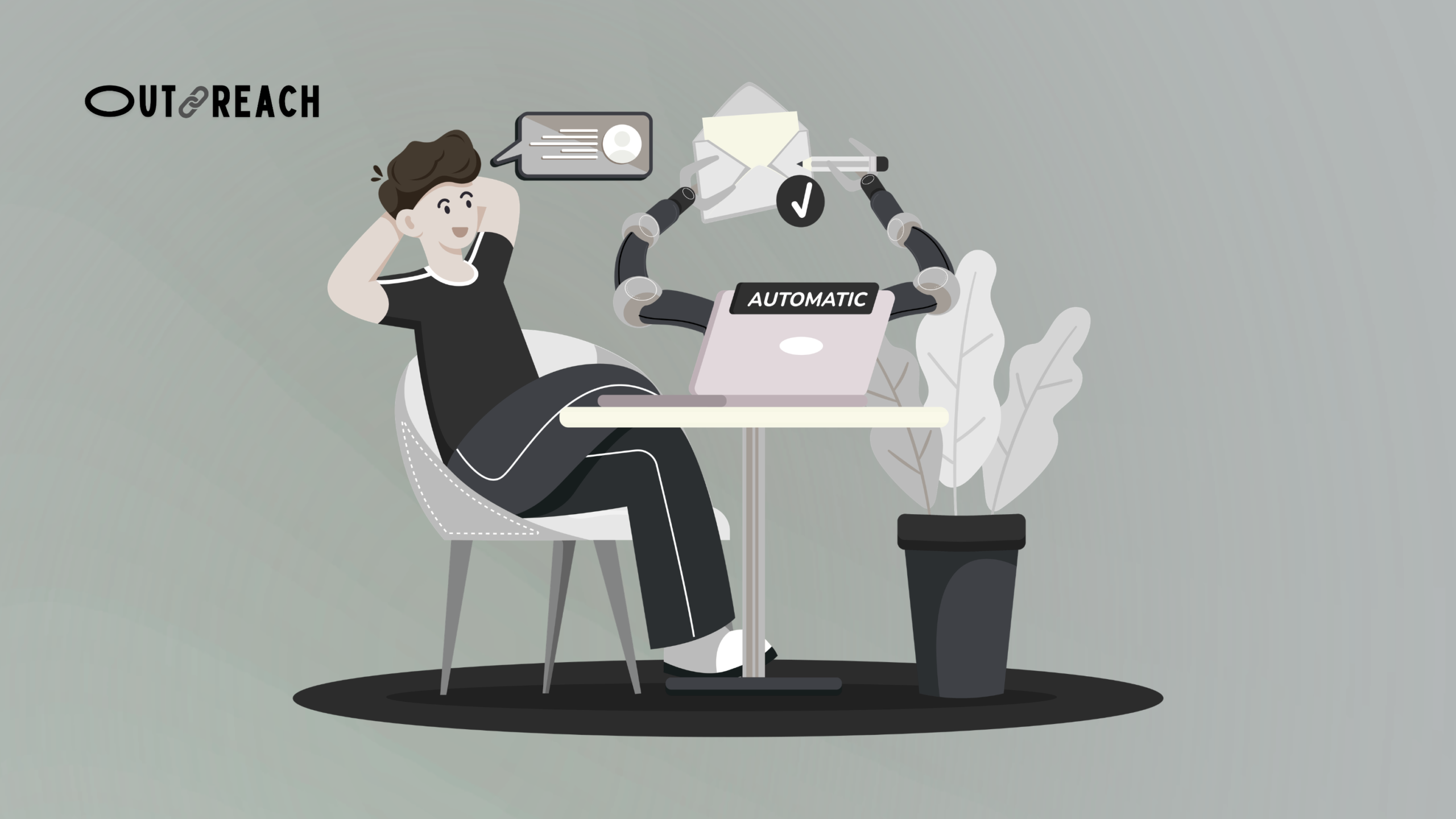
Email automation is a method of sending emails automatically based on specific triggers or actions. Instead of sending each email manually, the system does the work for you once it is properly set up.
These emails are usually part of a workflow or sequence. They are sent when a user performs a certain action. For example, signing up for a newsletter, downloading a resource, or not replying to a previous email.
Let’s say someone subscribes to your website. They instantly receive a welcome email without you doing anything. After that, they might receive a series of follow-up emails over the next few days. This entire process runs automatically in the background.
Email automation is widely used in marketing and sales. It helps businesses stay connected with their audience without constant manual effort. At the same time, it allows you to send timely and relevant messages.
However, setting up automation requires proper planning. You need to define triggers, create sequences, and make sure your emails feel natural and personalized. If not done correctly, automated emails can feel robotic or irrelevant.
What is Email Scheduling?
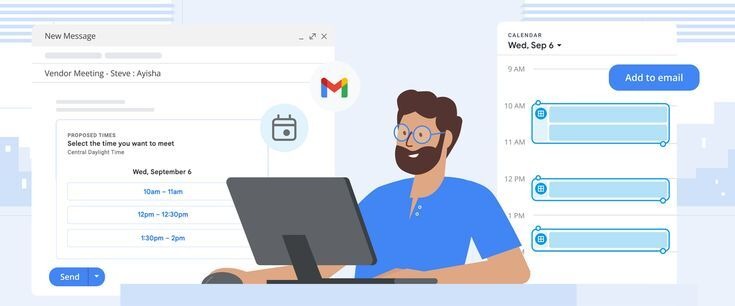
Email scheduling is a simple way to send emails at a specific date and time in the future. Instead of sending the email immediately, you choose when it should be delivered.
In this method, you still write the email yourself. The only difference is that you do not send it right away. You schedule it, and the system sends it automatically at your chosen time.
For example, you may want to send an outreach email at 9 AM in your recipient’s time zone. You can write the email in advance and schedule it to be delivered at the right moment. This helps you reach people when they are most likely to check their inbox.
Email scheduling is commonly used for outreach, follow-ups, and time-sensitive messages. It gives you full control over timing while keeping the process simple.
Unlike automation, there are no triggers or workflows involved. Each email is scheduled individually. This makes it easier to manage but less scalable for large campaigns.
Key Differences Between Email Automation and Email Scheduling
The main difference between email automation and email scheduling is how and when emails are sent. Email automation works on triggers and user actions. Email scheduling works on a fixed date and time.
To understand it more clearly, here is a side-by-side comparison:
| Feature | Email Automation | Email Scheduling |
| Sending Method | Trigger-based | Time-based |
| Control | Automated after setup | Fully manual control |
| Setup | Requires workflows and triggers | Simple and quick |
| Use Case | Funnels, sequences, campaigns | Outreach, one-to-one emails |
| Scalability | Highly scalable | Limited scalability |
| Personalization | Needs effort to feel personal | Naturally more personal |
| Effort | One-time setup, then automatic | Manual effort for each email |
| Best For | Long-term campaigns | Precise timing and outreach |
Email automation is ideal when you want to scale your communication. It helps you send emails automatically without repeated effort.
Email scheduling is better when timing and personalization matter more. It allows you to stay in control and send emails exactly when needed.
Pros and Cons of Email Automation
Email automation is a powerful tool, but it comes with its strengths and weaknesses. Understanding these helps you use it effectively.
Pros of Email Automation
- Saves Time: Once set up, emails are sent automatically.
- Scalable: Handles large audiences without extra work.
- Consistent Follow-Ups: Ensures no lead is left behind.
- Improves Engagement: Timely messages reach users when they are most active.
- Supports Workflows: Ideal for funnels, welcome sequences, and lead nurturing.
Cons of Email Automation
- Setup Complexity: Requires planning, triggers, and sequences.
- Less Personal if Not Customized: Emails can feel robotic without personalization.
- Maintenance Needed: Workflows need updates as your campaigns evolve.
- Potential for Errors: Mistakes in sequences can send wrong emails automatically.
Overall, email automation is excellent for businesses that need to communicate with many users efficiently. But it works best when planned carefully and personalized where possible.
Pros and Cons of Email Scheduling
Email scheduling is simple but effective. It gives you full control over when your emails are sent. Like automation, it also has advantages and disadvantages.
Pros of Email Scheduling
- Full Control: You choose the exact date and time.
- Simple to Use: No complex workflows or triggers.
- Great for Personalization: Emails feel more one-to-one.
- Time-Zone Targeting: Reach recipients when they are most likely to read emails.
- Perfect for Outreach: Ideal for cold emails, guest posts, and follow-ups.
Cons of Email Scheduling
- Manual Effort: Each email needs to be scheduled individually.
- Limited Scalability: Not ideal for large campaigns.
- No Trigger Support: Cannot automatically respond to user actions.
- Potential Missed Opportunities: If timing isn’t perfect, emails may be ignored.
In short, email scheduling is best for smaller campaigns where timing and personalization matter. It is simple, precise, and works well for outreach.
When Should You Use Email Automation?
Email automation is best suited for campaigns that need scale and consistency. It works well when you want to send multiple emails without manual effort.
You should use email automation in these cases:
- Lead Nurturing: Send a sequence of emails after someone signs up.
- Welcome Sequences: Automatically greet new subscribers.
- Follow-Ups: Ensure every prospect receives timely follow-up emails.
- E-commerce Campaigns: Send abandoned cart emails or product recommendations.
- Long-Term Campaigns: Maintain engagement over weeks or months.
Email automation is ideal for businesses that want to save time while staying consistent. It helps you maintain communication without missing opportunities.
The key is planning your workflows properly. Define triggers, write relevant emails, and personalize wherever possible. Done right, automation can boost engagement and conversions significantly.
When Should You Use Email Scheduling?
Email scheduling is ideal when timing and control matter more than automation. It allows you to plan exactly when your emails are sent.
You should use email scheduling in these cases:
- Cold Outreach: Send emails to prospects at the best time for engagement.
- Follow-Ups: Schedule follow-up emails to ensure timely communication.
- Personalized Emails: Send one-to-one messages that feel more human.
- Time-Sensitive Messages: Announcements, reminders, or special offers.
- Small Campaigns: Works well for limited audiences or targeted campaigns.
Scheduling gives you flexibility and precision. It is simple to use and helps you reach the right people at the right time.
For outreach, scheduling is often more effective than automation. You maintain control while keeping your emails personal and relevant.
Email Automation vs Scheduling for Outreach
When it comes to outreach, choosing between email automation and scheduling depends on your goals.
Email scheduling works best for cold outreach. You control exactly when each email is sent. This ensures your emails reach recipients at the optimal time. Scheduling helps maintain a personal touch, which is crucial for building relationships.
Email automation can still help in outreach, but mainly for follow-ups. For example, if a prospect doesn’t reply, an automated follow-up sequence can save you time. Automation is useful for sequences, but the first outreach email is usually more effective when sent manually and scheduled.
Many professionals combine both methods for maximum results. The first email is scheduled for precision and personalization.
Follow-ups are automated to ensure consistency without manual effort.
The key takeaway:
- Use scheduling for initial, personal outreach.
- Use automation for follow-ups and sequences.
- This hybrid approach saves time while keeping messages relevant and human.
Common Mistakes to Avoid
Even the best email strategies can fail if you make common mistakes. Avoiding these will improve your outreach and results.
Common Mistakes:
- Over-Automating Cold Emails: Sending too many automated emails can feel robotic.
- Ignoring Personalization: Generic emails lower engagement and reply rates.
- Wrong Timing: Sending emails at the wrong time reduces visibility.
- No Testing: Skipping A/B testing can cause poor subject lines and low open rates.
- Neglecting Follow-Ups: Not following up reduces your chances of a response.
- Poor List Management: Outdated or irrelevant contacts waste time and hurt deliverability.
By avoiding these mistakes, you can ensure your emails are effective and well-received. Small adjustments often lead to significant improvements in response and engagement.
Pro Tips to Improve Email Performance
Improving email performance doesn’t have to be complicated. Follow these simple tips to get better results.
- Keep Emails Short: Clear and concise emails get read more often.
- Personalize Every Email: Use the recipient’s name and relevant details.
- Optimize Send Timing: Send emails when recipients are most active.
- Test Subject Lines: A/B testing helps find what works best.
- Focus on One Goal: Each email should have a single clear purpose.
- Use Clear CTAs: Make it easy for the reader to take the next step.
- Monitor Engagement: Track opens, clicks, and responses to adjust your strategy.
- Combine Scheduling and Automation: Schedule first emails for precision, automate follow-ups for efficiency.
Implementing these tips ensures your emails are not only delivered but also read and acted upon.
Final Verdict
Email automation and email scheduling both have their strengths. Choosing the right one depends on your goals and audience.
Use email automation when you need to scale campaigns. It works well for follow-ups, sequences, and long-term engagement. Once set up, it saves time and ensures consistency.
Use email scheduling for precision and personalization. It is ideal for cold outreach, one-to-one emails, and time-sensitive messages. Scheduling gives you full control over timing and content.
For most outreach strategies, a hybrid approach works best. Schedule your first emails to make them personal. Automate follow-ups to stay consistent and save time.
By understanding the differences and applying them correctly, you can boost engagement, improve response rates, and make your email campaigns more effective.